A mobile point-of-sale built for enterprise retail — queue-free checkout, live inventory, and loyalty, on any Android device.
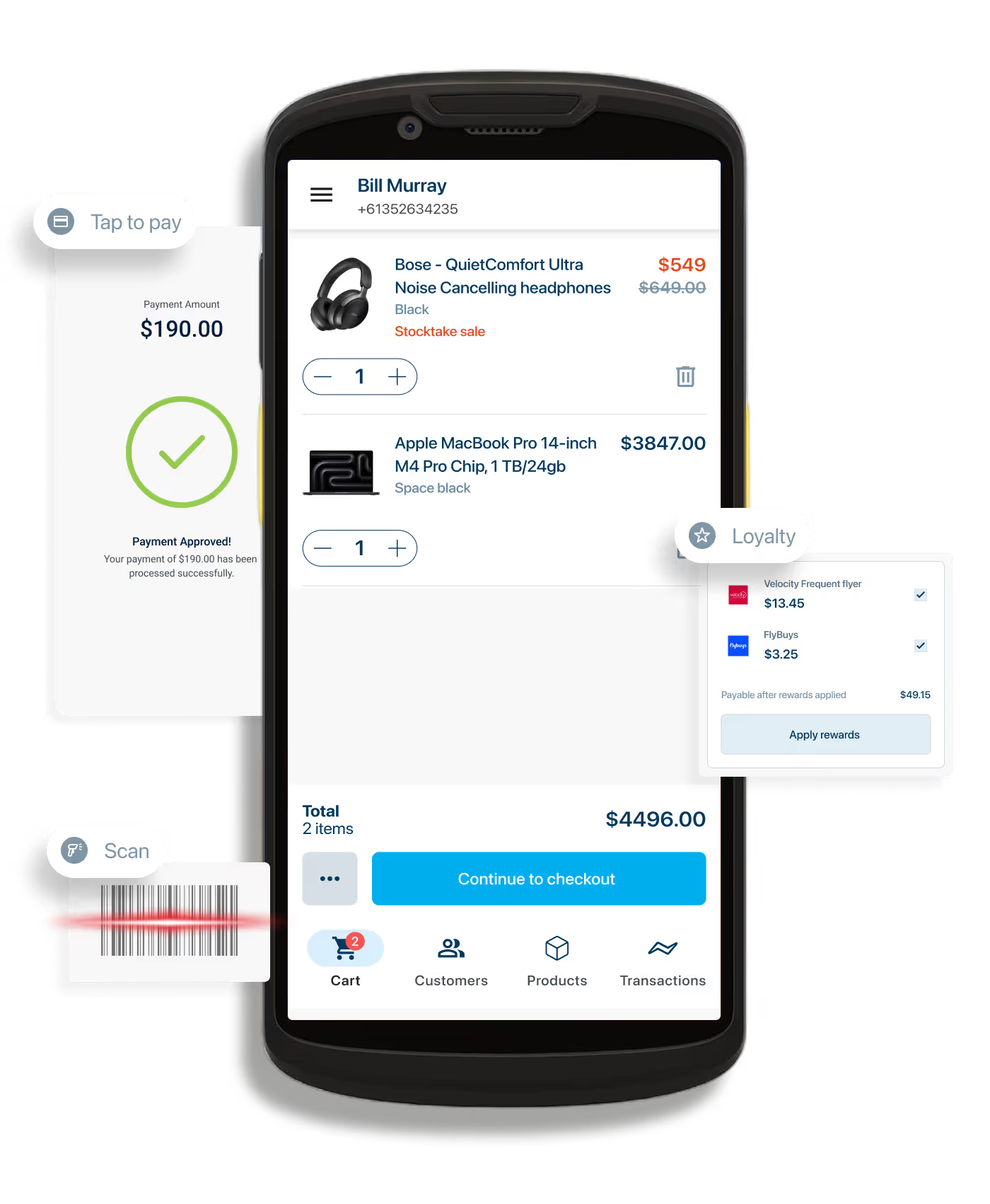






Store experience
Complete transactions without leaving the customer's side — from order to receipt, anywhere on the store floor.
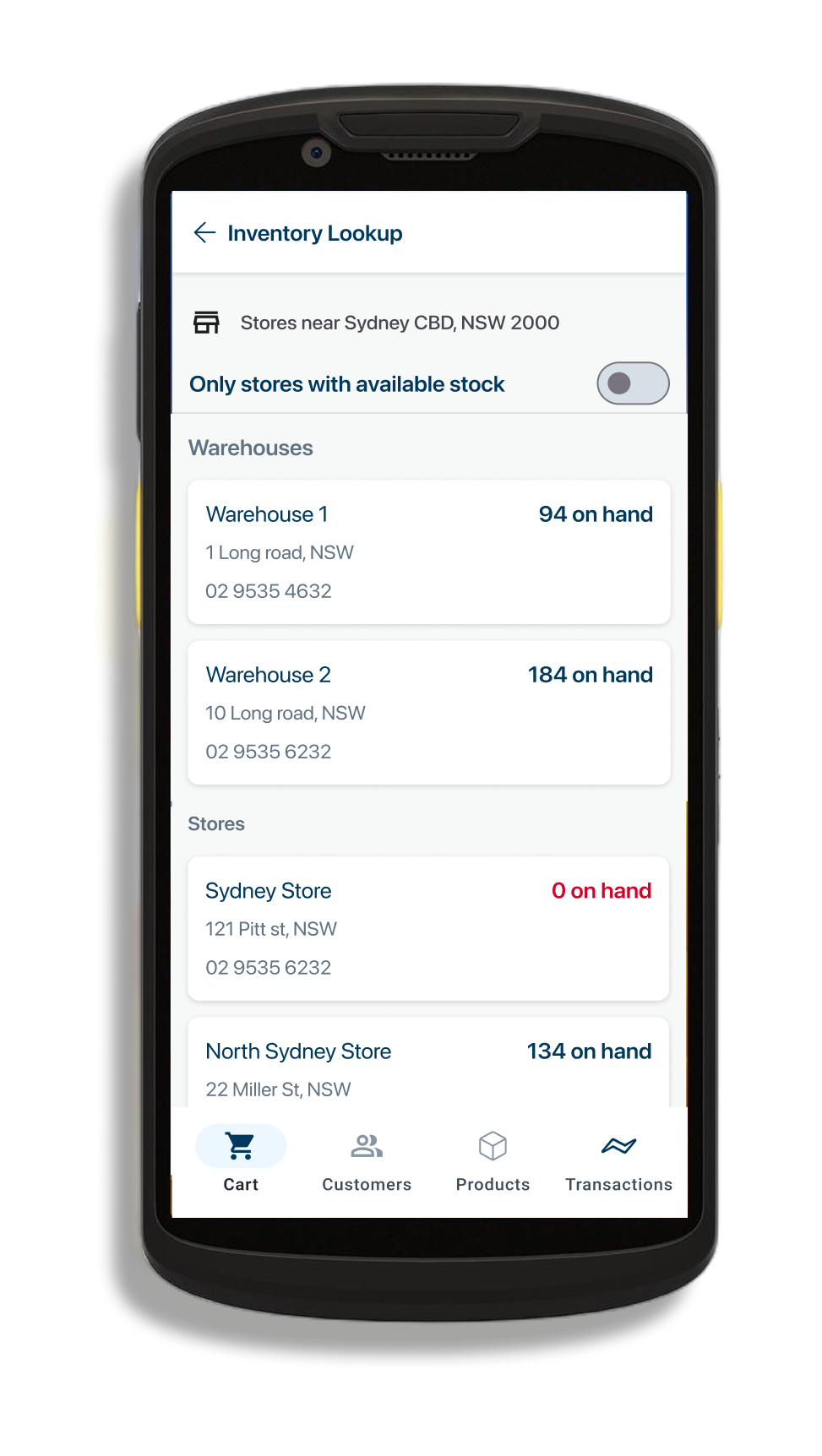
One live view of stock across stores, warehouses, and digital channels — the foundation for BOPIS and endless aisle.
Your existing loyalty program embedded in checkout — real-time insights and tailored rewards, no third-party tools.
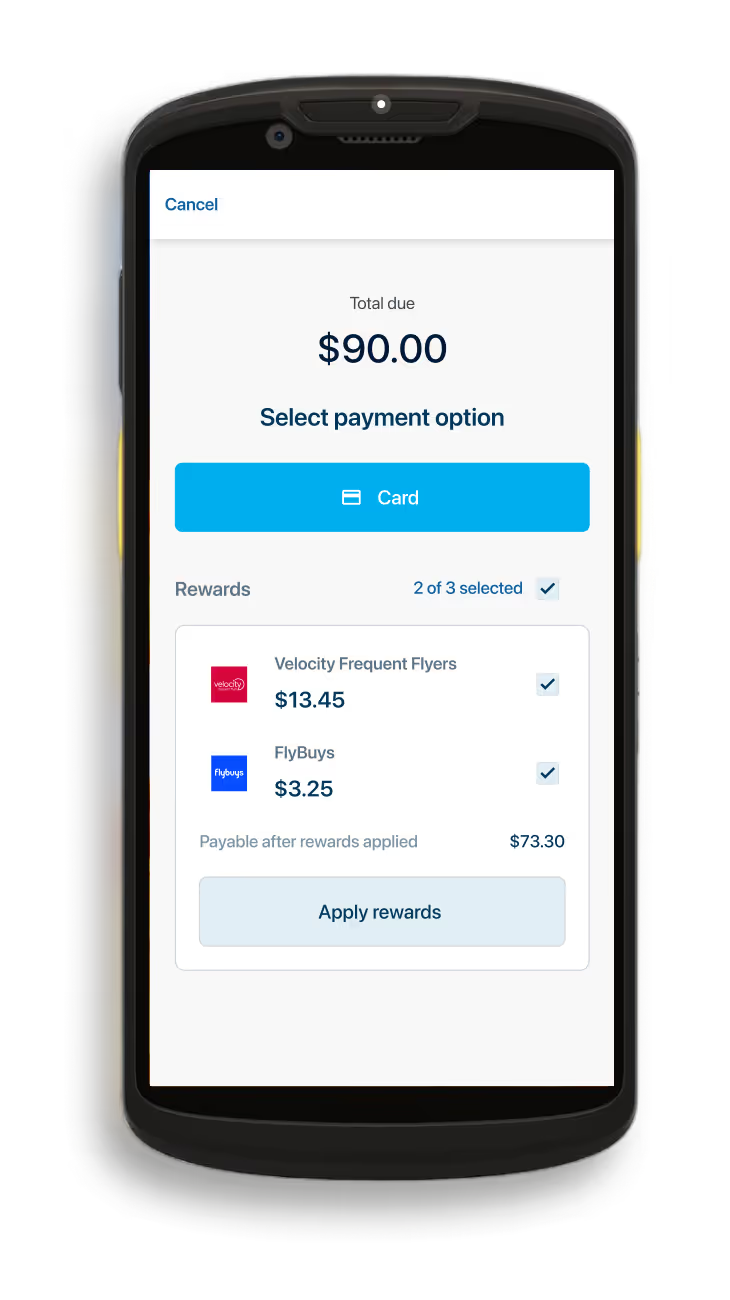
Rewards, ready at checkout — associates see each customer's available loyalty rewards and apply them in one tap, before payment.
Proven at Petstock
queue times at Petstock after rolling out Awayco Mobile POS
average order value at Petstock, with customers spending more per transaction
Android device — no extra terminals required
Payments
Accept every type of in-person contactless payment on the same device your associates already carry — no additional terminal, no handoff.
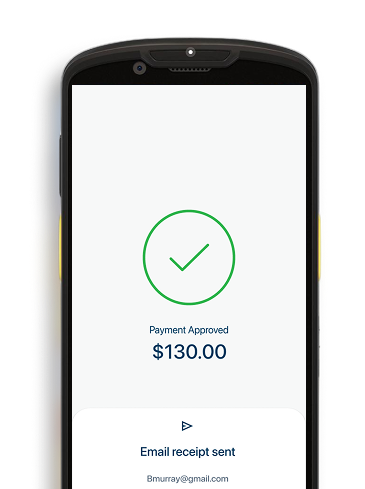
Built on Android's native security to keep business and customer data private and compliant.
Cards, wallets, and loyalty redemptions in one flow — easy for staff, seamless for customers.
Fully integrated with Awayco Appointments and Clienteling — one connected journey from booking to checkout.
Queue-busting checkout, live inventory, custom loyalty, and Tap to Pay — a quick tour of the Awayco Mobile POS.
Watch the product tour →Any modern Android device. Tap to Pay on Android is built in, so a phone or tablet your team already carries becomes a full checkout terminal — no extra hardware, no dedicated POS lanes.
Either. Most enterprise retailers start by running Awayco alongside their fixed POS to clear queues at peak, then extend it across the floor once staff are comfortable. Your existing stack stays in place.
Store staff need no training, so the timeline is set by your integration work rather than by change management. We scope this in the first call and give you a date, not a range.
Stock is read and written live against a single source of truth, so a sale on the floor, a click-and-collect pick and an online order all see the same numbers. No overnight sync, no overselling.
Payments run through enterprise-grade, PCI-compliant infrastructure with card data never touching the device. Tap to Pay on Android is certified by Google and the card networks.
Yes. Petstock runs its stores on Awayco Mobile POS across Australia, and the case study walks through the deployment. Book a demo and we will show you the same flow on your own product catalogue.
Case study
Australia's leading pet retailer connects mobile checkout, appointments, and loyalty in one experience — from app to store floor.
Read the case study →
A 30-minute walkthrough, tailored to your stores.
Book a demo →